November 18, 2026
|
5 min read



Blazingly fast way to build, track and deploy your models!
Claude Code is good at writing code on its own. The bigger gains come when it can reach the systems around the code: the repo, the error tracker, the ticket, the database, a browser. That's what MCP servers are for.
The Model Context Protocol is the open standard Claude Code uses to talk to those tools. Add a server and Claude can call its tools in the middle of a task. It can pull a failing trace from Sentry, read the Linear ticket, fix the bug, and open the pull request, without you copying anything between tabs.
There are thousands of servers now, and most aren't worth the context they use. This guide covers 12 that are, with the command to add each one, what it does, and what to watch for. The list reflects what the vendors' docs and a recent hands-on roundup describe as of November 2026, so check each project's docs before you rely on a flag or limit.
Start here and add more only when a real task needs them:
Remote servers are one command. Local servers run a process on your machine. Both use claude mcp add:
# Remote (HTTP) server
claude mcp add --transport http linear https://mcp.linear.app/mcp

# Local (stdio) server
claude mcp add playwright -- npx @playwright/mcp@latest
Then open Claude Code and run /mcp to sign in and confirm the server is connected. Add --scope project to save the server in a shared .mcp.json, or --scope user to keep it on your own machine across projects.
Models learn an API once and then keep using it after it changes. Context7 serves version-specific documentation for the libraries it indexes, so Claude writes against what exists today. It's the cheapest quality gain on this list. It only covers libraries it has indexed, so niche or internal packages still need your own docs.
claude mcp add --transport http context7 https://mcp.context7.com/mcp
The official GitHub server handles issues, pull requests, code search and Actions logs. It exposes a large tool surface, so limit it to the toolsets you need. If you only open the odd PR, the gh CLI may already be enough.
claude mcp add --transport http github https://api.githubcopilot.com/mcp/ --header "Authorization: Bearer YOUR_GITHUB_PAT"
Use a fine-grained personal access token scoped to the repos Claude should touch, not a classic token with account-wide access.
If your specs and runbooks live in Notion, this lets Claude read them before it writes code and update them after. It uses OAuth only, so it works for a developer at a desk but not in headless CI runs.
claude mcp add --transport http notion https://mcp.notion.com/mcp
Playwright MCP drives a real browser. Claude can load the page, click through a flow, and reproduce a front-end bug before it tries to fix it. It's slower and heavier than an API call, so use it for UI work, not everything.
claude mcp add playwright -- npx @playwright/mcp@latest
Where Playwright acts, Chrome DevTools MCP inspects: performance traces, Lighthouse audits, network requests and console errors. It exposes around 30 tools, which is a lot of context, and a slim mode cuts that down. Usage statistics are on by default, so opt out if that matters to you.
claude mcp add --scope user chrome-devtools -- npx -y chrome-devtools-mcp@latest
Sentry's hosted server gives Claude access to errors, stack traces and release health. Point it at an issue and it can read the trace, find the commit, and propose the fix. It's built for debugging with a human in the loop, not as a replacement for the full Sentry API.
claude mcp add --transport http sentry https://mcp.sentry.dev/mcp
Claude can search issues, read a ticket's full context and update its status when the work is done. A read-only endpoint is available if you'd rather not allow writes. Each OAuth session is tied to a single workspace.
claude mcp add --transport http linear https://mcp.linear.app/mcp
The Atlassian server covers work items, Confluence search and ticket updates. It connects with your full Atlassian permissions, so review any write before you approve it. Token-based headless access needs an org admin to turn it on first.
claude mcp add --transport http atlassian https://mcp.atlassian.com/v2/mcp
Give Claude a frame link and it can pull layout, variables and components, with Code Connect mappings if you've set them up. Usage limits depend on your Figma plan and seat type, so a free seat runs out quickly.
claude mcp add --scope user --transport http figma https://mcp.figma.com/mcp
Claude can list deployments, read runtime logs and errors, and fetch protected preview URLs. It carries the access of your Vercel account, so review write actions before approving them.
claude mcp add --transport http vercel https://mcp.vercel.com
Supabase's server can read your schema, run SQL, manage migrations and read logs. Its own guidance is to use it for development and testing, not against production data. Run it read-only, or point it at a dev project.
claude mcp add --scope project --transport http supabase "https://mcp.supabase.com/mcp?read_only=true"
Claude Code already reads and edits files in your project. The reference Filesystem server is only useful when you need controlled access to folders outside the working directory. If you don't have that need, skip it and save the context.
claude mcp add filesystem -- npx -y @modelcontextprotocol/server-filesystem /path/to/allowed/folder
Every server you add puts its tool definitions into Claude's context. A server with 30 tools can eat a noticeable slice of the window before you've typed anything. A few habits keep it under control:
.mcp.json so they travel with the repo and don't clutter every session.An MCP server is code that runs with your credentials, and it feeds text back into the model. That creates two real risks. The first is over-broad access: a token with write rights to every repo is one bad prompt away from a bad day. The second is prompt injection, where hostile text inside an issue, a page or a document tells the agent to do something you didn't ask for.
For one developer, careful scoping and read-only modes go a long way. For a team, the problem changes. Dozens of people each adding servers means dozens of unreviewed tokens and no record of who called what. Our guides on governing Claude Code with an AI gateway and Claude Code MCP integrations cover that side in detail.
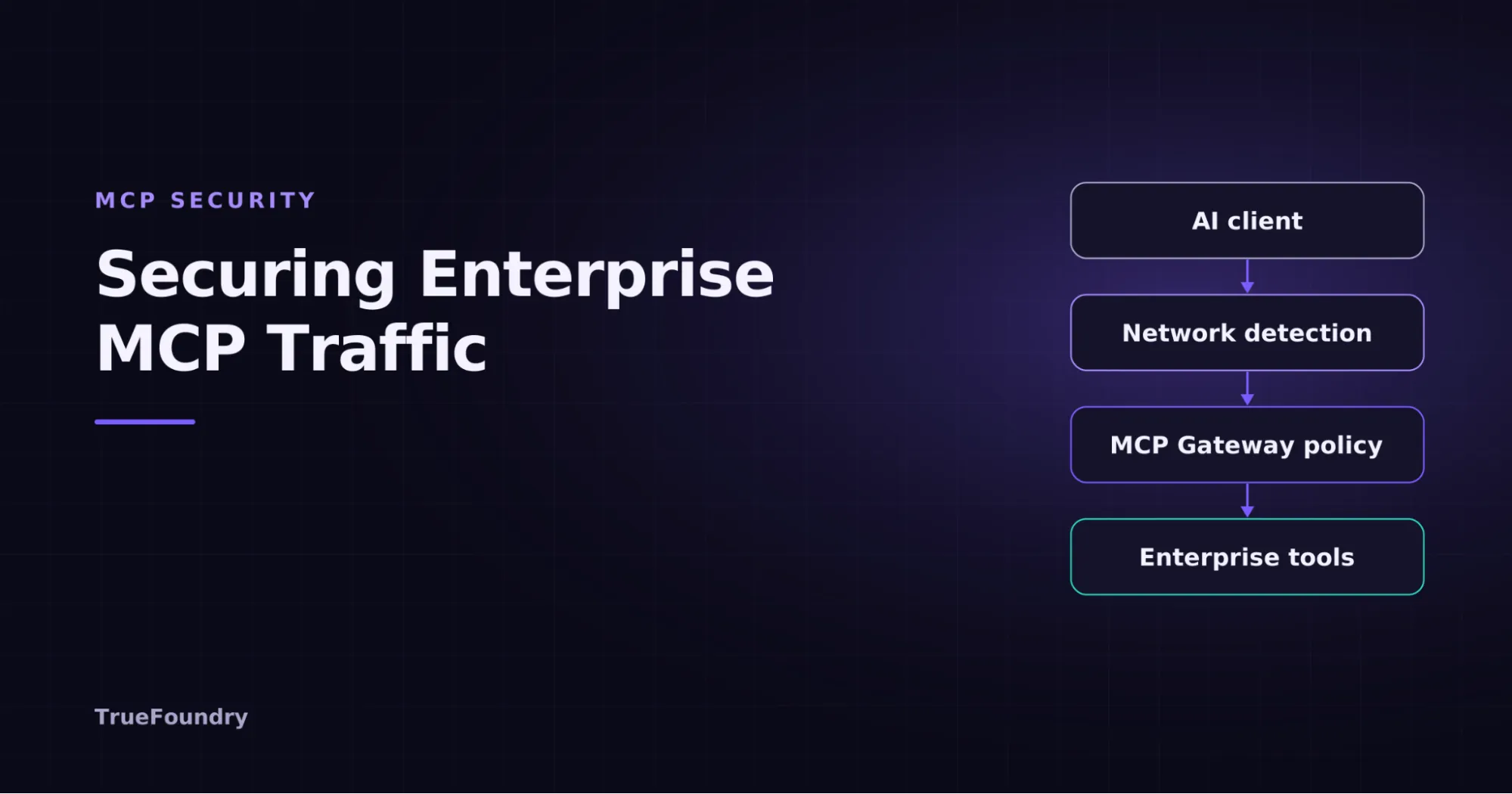
The pattern that works is a single managed layer between Claude Code and your servers. TrueFoundry's MCP Gateway gives developers one endpoint for every approved server. Platform teams get SSO and role-based access, per-user OAuth so nobody shares a token, tool-level allowlists, and an audit log of every call. It pairs with the AI Gateway, which does the same for model traffic, cost and routing.
Developers keep the same claude mcp add habit. (You can book a demo to see it running.) The difference is that the URL they add points at a server your security team has already vetted.
The best MCP setup is a small one. Pick the five that match your daily work, confirm each one pays for its context cost, and add the rest only when a real task needs them. Treat every server like any other integration with access to your systems, and put a governance layer in place before the number of servers outgrows the number of people who can review them.
Sources: Claude Code MCP documentation · Parallel: best MCP servers for Claude Code (Nov 2026)
TrueFoundry AI Gateway delivers ~3–4 ms latency, handles 350+ RPS on 1 vCPU, scales horizontally with ease, and is production-ready, while LiteLLM suffers from high latency, struggles beyond moderate RPS, lacks built-in scaling, and is best for light or prototype workloads.

The best MCP servers for Claude Code include the Filesystem MCP (for reading/writing local files), GitHub MCP (for repository and PR management), PostgreSQL MCP (for database queries), Brave Search MCP (for real-time web searches), and Slack MCP (for team communication). TrueFoundry's MCP Gateway further allows teams to manage and route across multiple MCP servers with centralized access control.
The Model Context Protocol (MCP) is model-agnostic, meaning it works with any underlying LLM powering Claude. For Claude Code specifically, pairing a high-capability model like Claude Sonnet or Claude Opus with production-ready MCP servers — such as Filesystem, GitHub, or database MCPs — delivers the strongest results for complex coding tasks.
Yes, Claude Code fully supports MCP tools. Developers can connect any MCP-compatible server to Claude Code, enabling it to read files, query databases, browse the web, interact with APIs, and more — all within a single agentic coding session.
MCP (Model Context Protocol) is an open standard developed by Anthropic that allows Claude to connect with external tools, data sources, and services in a structured and secure way. It functions like a plugin system, letting Claude Code access real-world capabilities such as file systems, code repositories, search engines, and enterprise APIs without requiring custom integrations for each tool.



The latest news, articles, and resources sent to your inbox