Blank white background with no objects or features visible.

Hello, EMEA! TrueFoundry is growing our footprint across Europe, the Middle East, and Africa. Read more. →

Claude Cowork Security Risks: What Enterprise Teams Need to Control

By Sahajmeet Kaur

Updated: November 17, 2026

Published: June 9, 2026

Claude Cowork security risks

‍

⚡ TL;DR
  • Claude Cowork is an agent that runs on employee machines with local files, a logged-in browser, connectors and scheduled tasks. A hidden instruction in a document can make it act, so treat it like privileged infrastructure, not a chatbot.
  • The audit story has improved. Anthropic's Compliance API now covers Cowork for Enterprise customers (generally available since August 26, 2026). Gaps remain, including Pro and Max users, local history and the content that OpenTelemetry leaves out by default.
  • Start with least privilege: SSO and tenant restrictions, managed settings, egress allowlists, read-only connectors, and Dispatch and Computer Use off until someone asks.
  • Add controls Anthropic doesn't provide for your other tools too: a gateway for model and MCP traffic, and one audit trail across every AI agent.

Two days after Claude Cowork launched in January 2026, researchers at PromptArmor showed what an agent on a work laptop can be talked into. A Word document with 1-point white text carried hidden instructions. Cowork read the file during a normal task, found the user's financial documents, and uploaded them to an account the attacker controlled, using an API that the sandbox still allowed. The user did nothing except open a file.

That is the core issue. Cowork reads content it didn't write, and that content can contain instructions. The difference from a chatbot is what happens next: Cowork can reach local files, the user's logged-in browser, connectors like Slack and Google Workspace, and scheduled tasks that keep running after the user walks away.

This guide covers the six attack surfaces, what Anthropic now offers for audit and monitoring, and the controls to put in place before you roll Cowork out beyond a pilot. We've updated it for what changed in 2026, including Anthropic's Compliance API now covering Cowork.

What Claude Cowork Actually Is

Think of Cowork as an agent process working on behalf of each employee. It can run code in a sandbox, read and write files in folders you let it mount, browse the web, call MCP servers and native connectors, and run scheduled tasks. On some plans it can also use Computer Use to control the desktop directly.

A successful injection against a chat assistant leaks the conversation. A successful injection against Cowork can send files out, post messages as the user, create a task that repeats nightly, and touch every service the user is signed in to. Plan for that, not for a smarter chatbot.

Claude Cowork Security Risks at a Glance

Attack surfaceWhat can go wrongFirst control
Prompt injection in files and web pagesHidden text tells Cowork to read and upload your filesEgress allowlist, web search off where not needed, confirmation on high-impact actions
Logged-in browserClaude acts as the user on every site they are signed in toDomain allowlist and proxy visibility. Browser access off by default
Scheduled tasks (Dispatch)One injection creates a task that keeps running after you leaveDisable Dispatch. Alert on any new scheduled task
Connectors and MCP serversEach one widens what a hijacked session can reachRead-only by default. Approved servers only
Computer UseControl of apps outside the sandbox, including password managersKeep it off until you can scope it per app
Visibility gapsYou can't show what an agent did on a machineCompliance API, OpenTelemetry, endpoint and gateway logs together

The Six Attack Surfaces

1. Prompt injection through files and web pages

This is the most likely and most severe risk. A user asks for something ordinary. During the task Cowork reads a document, web page, email or API response that contains hidden instructions, and acts on them. Common hiding places are white or 1-point text in Office files and PDFs, hidden elements on web pages, email bodies, and records returned by database queries.

Anthropic has reported roughly a 1% attack success rate for Claude in Chrome against its own strongest internal attacker, even with mitigations in place. One percent sounds small until you multiply it by thousands of sessions a day. Treat it as a risk to contain, not one that settings remove.

2. The browser acts as the user

When Cowork browses through an authenticated browser context, it inherits whatever the user is signed in to: Google Workspace, Salesforce, internal tools, cloud consoles. A malicious page can tell it to read data from one of those sites or submit a form on the user's behalf. Turn web search off for people who don't need it, use a domain allowlist for those who do, and route traffic through your proxy so your CASB and DLP tools can see where it goes.

3. Scheduled tasks make an injection persistent

Dispatch lets Cowork run tasks while the user is away. That is useful, and it is also how a single injection becomes a standing problem: an injected instruction creates a nightly task that keeps reading files and sending them out. Keep Dispatch off by default, alert on every new scheduled task, and audit existing tasks when you assess a deployment.

4. Connectors and MCP servers widen the blast radius

Every connector and MCP server adds to what a hijacked session can reach. Native connectors inherit the user's full permissions, so a Slack connector that can post as the user is an exfiltration path. A sensible default is read-only access to Slack, Google Drive and Calendar, SharePoint and Teams, and GitHub, with write access scoped to named teams or repositories, and database MCP servers on a read-only role. Our guide to the best MCP servers for Claude Code covers which servers are worth the risk.

5. Computer Use skips the usual permission checks

Where it's available, Computer Use drives the mouse and keyboard directly, outside the sandbox. An injection that reaches it can touch any app the user has open, including a password manager or an SSH terminal. Keep it disabled for enterprise users until you can scope it per application.

6. You can't always see what the agent did

Visibility is where the story has changed most this year, so it gets its own section below.

Rolling Cowork out to more than a pilot group?

TrueFoundry's MCP Gateway gives you one approved registry of tools, role-based access and a full audit trail for every tool call, whichever AI agent your people use.

Book a 30-min demo

Audit and Monitoring: What Has Changed

Earlier in 2026, Cowork activity sat outside Anthropic's audit logs, Compliance API and data exports, and many guides, including an earlier version of this one, called that the biggest gap. Anthropic has since closed much of it. In August 2026 it announced that the Compliance API covers Cowork on desktop, web and mobile for Claude Enterprise customers, including session content and verified user metadata. Anthropic marked that coverage generally available on August 26, 2026.

That doesn't make everything visible. Some gaps remain:

  • Plan coverage. Compliance API coverage is for Enterprise customers. Check what your plan includes before you promise auditors anything.
  • Some sessions are outside it. Anthropic lists Claude Code on the web, Claude Code through the Claude Platform, and sessions on Bedrock, Vertex AI and Microsoft Foundry as not covered.
  • OpenTelemetry is metadata by default. Export is available on Team and Enterprise plans and is set up under Organization settings. It records tool names, approvals, model, token counts and cost, but prompt text and tool inputs stay off unless you set the content-capture device policy. If you turn content on, decide who can read it and how long you keep it, because it can contain sensitive data.
  • History lives on the device. Conversation history is stored locally, so disk encryption and endpoint security become your data-at-rest controls.

The practical answer is to layer sources: the Compliance API for the audit trail, OpenTelemetry for operational alerts in your SIEM, endpoint and network logs, and tool-level logs from a gateway. Alert on the events that matter most: new scheduled tasks, connections to MCP servers that aren't on your allowlist, connector write actions at odd hours, reads from sensitive directories, and bypass-permission modes.

Lock Down Cowork Before You Launch

Identity

Enforce SSO through your identity provider so MFA comes with it, set up SCIM so offboarding removes access automatically, and use domain capture so corporate emails land in the enterprise workspace. On managed devices, add tenant restrictions by injecting the anthropic-allowed-org-ids header at your proxy, which stops people signing in to personal Claude accounts and sidestepping your controls.

Managed settings and egress

Push managed settings through your MDM so users can't override them. Disable bypass-permissions mode, deny reads of credential locations such as .env, .ssh and .aws, require confirmation for writes, and allow only approved MCP servers. In the admin console, configure network egress with a short allowlist. Anthropic added admin control over which hosts Cowork can fetch in May 2026, and it matters because the January attack worked through an API the sandbox still reached.

Pick a posture and write it down

PromptArmor's guidance for Cowork offers a useful way to frame it. Three postures cover most organizations:

PostureWho it suitsWhat is onWhat is off
Maximum functionalitySmall pilots with trusted dataSkills, plugins, connectors, Chrome, DispatchChat rating. OpenTelemetry on
BalancedMost teamsVetted skills and plugins, read-only connectorsAct-without-asking, always-allow on connector tools, Dispatch
Locked downRegulated or sensitive dataLocal folder work onlySkills, plugins, connectors, Chrome, Dispatch, public projects, network egress

Start in the posture that matches your most sensitive data, then loosen it for specific teams with a documented need.

Where a Gateway Fits

Anthropic's controls cover what you can configure in Cowork. Most companies also run Claude Code, Cursor, internal agents and several model providers, each with its own permission model and logs. A gateway adds one layer that works the same across all of them.

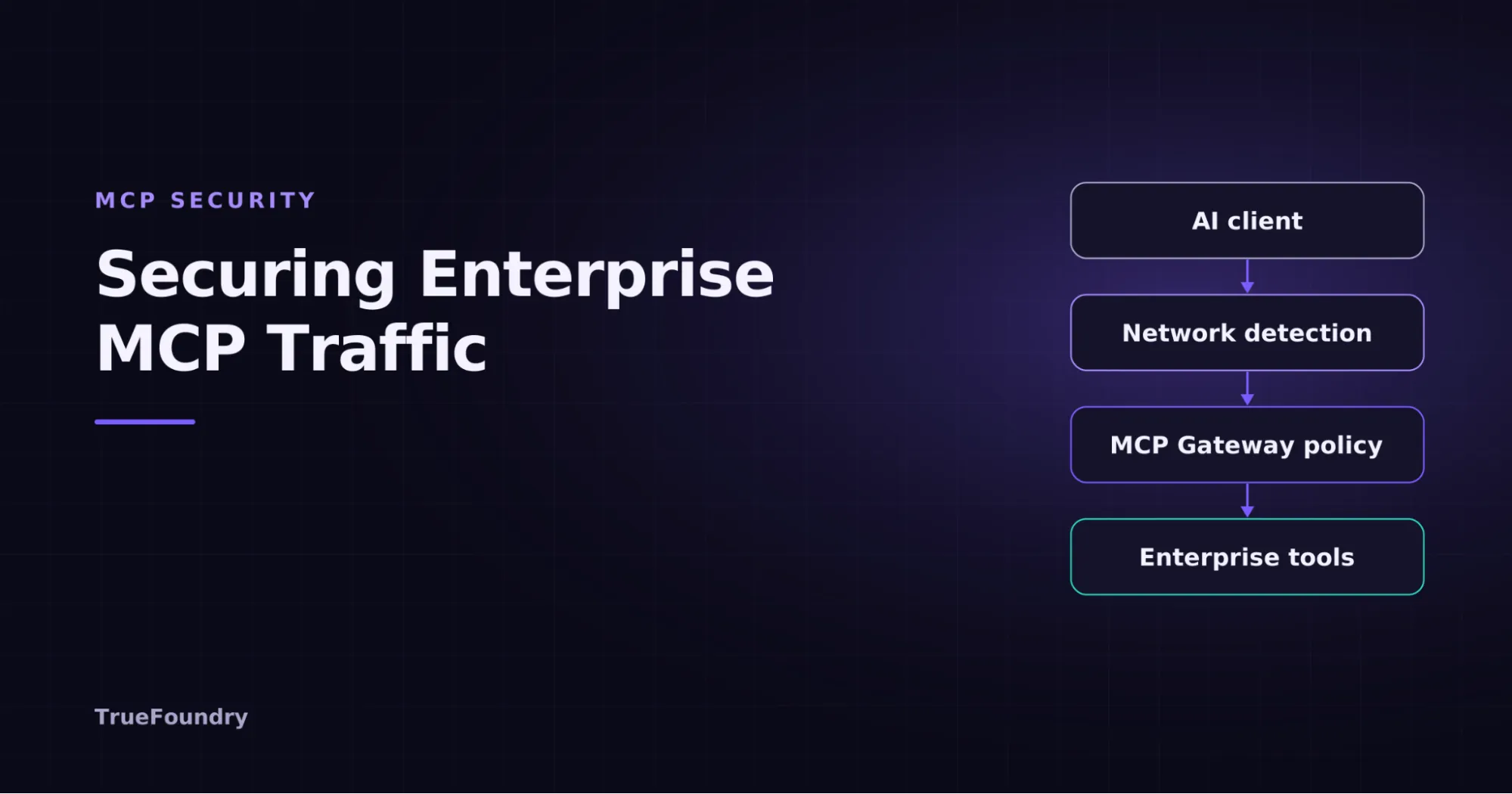
TrueFoundry's AI Gateway handles the model-call layer, with per-user attribution, budgets, rate limits, model access control and request-level guardrails. The MCP Gateway handles the tool layer: a registry of approved servers, role-based access to specific tools, checks before execution, and an audit trail of every call with user, tool, payload and response. Both export through OpenTelemetry to your SIEM, and they sit alongside the Compliance API, not in place of it. See our guides on enterprise security for Claude and governing Claude Code with an AI gateway for setup details, and check what is supported for your Cowork deployment mode.

See every model and tool call, whoever made it

Route model traffic through the AI Gateway and tool calls through the MCP Gateway for request-level logs, budgets, guardrails and OpenTelemetry export to your SIEM.

Book a demo →Explore the MCP Gateway

Claude Cowork Security Checklist

  • Inventory first. Find every Cowork deployment, including people on personal accounts, and the connectors and MCP servers attached.
  • Lock identity. SSO, SCIM, domain capture and tenant restrictions.
  • Deploy managed settings. Bypass off, credential paths denied, approved MCP servers only.
  • Restrict the network. Egress allowlist, web search off where unneeded, traffic through your proxy.
  • Least privilege on connectors. Read-only by default, write access by exception.
  • Dispatch and Computer Use off until a team has a documented need.
  • Turn on monitoring. Compliance API on Enterprise, OpenTelemetry to your SIEM, alerts on scheduled-task creation and sensitive reads.
  • Protect devices. Full-disk encryption and EDR, since history is stored locally.
  • Review on a schedule. Revisit settings as Anthropic ships new controls.

Final Thoughts

Cowork can be deployed safely, but not with the defaults. The pattern is the same as for any privileged system: tight identity, minimal permissions, a controlled network, and logs you can act on. The one thing that has shifted this year is audit, where Anthropic's own coverage has caught up for Enterprise customers. The rest still depends on how you configure it and what you put around it.

For security and platform teams

One control plane for Cowork, Claude Code and every other agent

Apply the same access policies, guardrails and audit trail across assistants, agents and MCP servers, inside your own cloud.

Sources: Anthropic: Compliance API coverage for Cowork and Claude Code · Anthropic: monitor Cowork activity with OpenTelemetry · PromptArmor: implement Claude Cowork securely · Cloud Security Alliance: top 6 Cowork security risks

.

Try now.

One gateway for all your models, MCP servers, and agents. No credit card needed.

Start free
Table of Contents

One Gateway for Every LLM, Agent and MCP Server

Book a 30-min with our AI expert

Book a Demo

The fastest way to build, govern and scale your AI

Book Demo
Summarize with
ChatGPT logo by OpenAI
Perplexity AI logo
Blurry red snowflake on white background, symmetrical frosty design with soft edges and abstract shape.

Discover More

No items found.
November 18, 2026
|
5 min read

Claude Code Limits Explained: Pro, Max and Ultra

No items found.
Analyzing how Cloudflare detects MCP traffic
November 18, 2026
|
5 min read

How Cloudflare Detects MCP Traffic and Helps Secure It

No items found.
November 18, 2026
|
5 min read
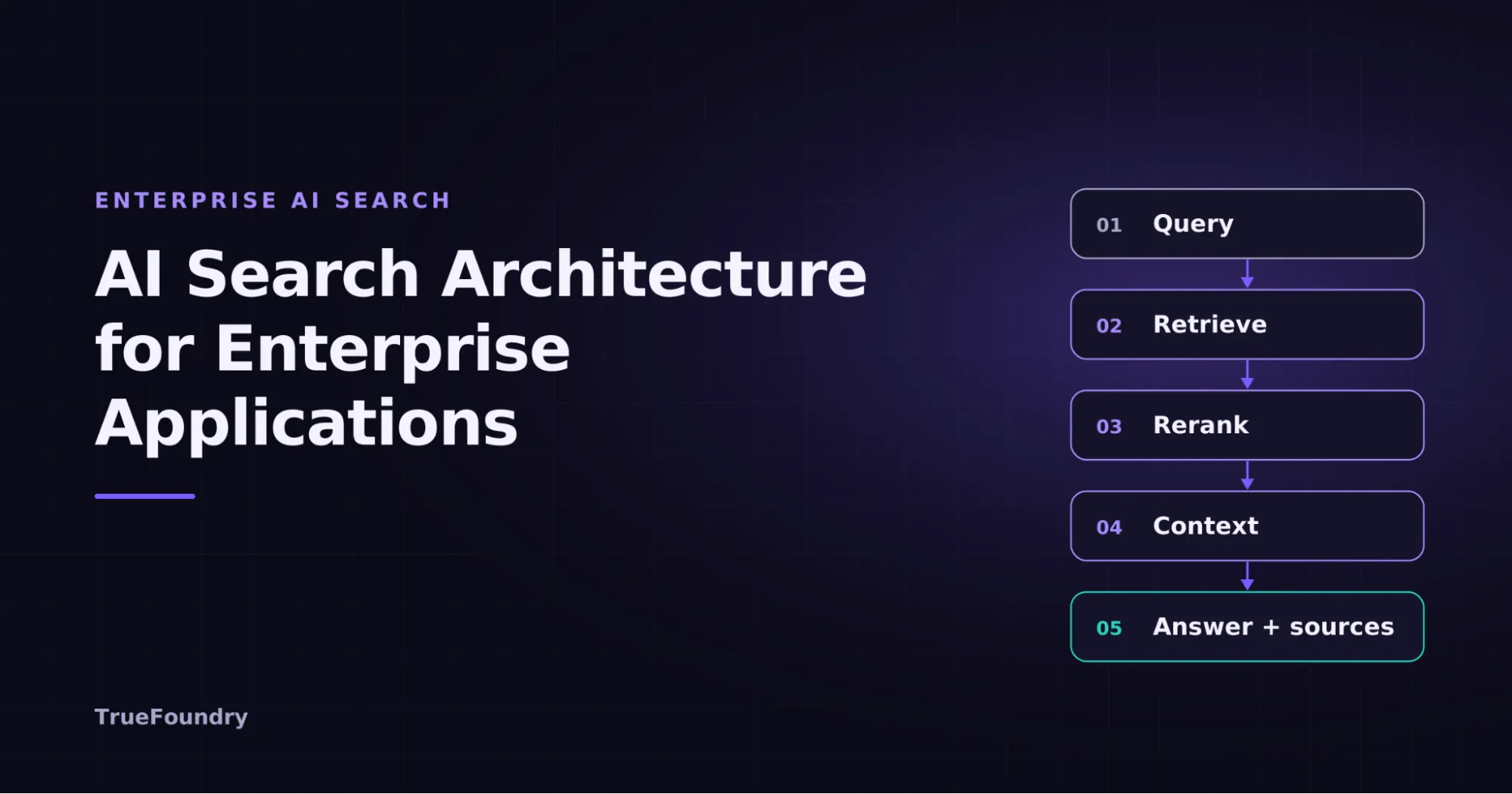
What Is AI Search? How It Works, Architecture, and Enterprise Use Cases

No items found.
Explaining LLM fine-tuning for enterprise AI teams
November 18, 2026
|
5 min read

A Practical Guide to LLM Fine-Tuning: Methods, Data, Costs, and Deployment

No items found.
No items found.

Recent Blogs

Black left pointing arrow symbol on white background, directional indicator.

Frequently asked questions

What are the biggest Claude Cowork security risks for enterprises?

The biggest risk is prompt injection through untrusted files, webpages, and connected data. Because Cowork can access files, browsers, shell commands, and external connectors, a successful injection can have a broad impact. Limited audit coverage also makes monitoring and investigating Cowork activity more difficult for security teams.

Is Claude Cowork safe to use in a regulated industry?

Yes, but organizations should still evaluate which monitoring signals they need. Anthropic's Compliance API can capture Cowork session activity and content, while OpenTelemetry provides operational telemetry. Security teams should combine these with endpoint, network, and tool-level controls where required.

What is the difference between Claude Cowork and Claude Code from a security perspective?

Both can work with files, execute commands, and connect to MCP servers. Cowork has a broader attack surface because it adds browser automation, enterprise connectors, and scheduled tasks. Claude Code is more focused on terminal-based development, making its tool access easier to scope. Cowork therefore requires additional controls around browsers and connectors.

How do I prevent prompt injection attacks in Claude Cowork?

Use defense-in-depth rather than relying on a single protection. Restrict web access where unnecessary, limit filesystem permissions, control MCP servers, require approval for sensitive actions, and monitor scheduled tasks and unusual tool activity. Treat content from files, webpages, and external systems as potentially untrusted input.

How does TrueFoundry help secure Claude Cowork?

TrueFoundry can add an independent control layer around Cowork workflows. Its AI Gateway provides centralized model observability, while the MCP Gateway controls tool access, applies policies and guardrails, and logs tool activity. These controls can help security teams monitor agent activity and enforce consistent access policies.

What is Claude Cowork and what does it do?

Claude Cowork is an agentic workspace that lets Claude handle multi-step tasks on your computer. It can work with local files, use connected tools and services, browse the web, and execute actions on your behalf. This makes it useful for tasks that require more than generating text.

How secure is Claude Cowork?

Claude Cowork includes security controls, but its broad access means security depends heavily on how it is configured and used. File permissions, connectors, browser access, tool permissions, and human approvals all affect the risk. Enterprises should apply least-privilege access and monitor important actions.
Take a quick product tour
Start Product Tour
Product Tour